

How to Choose the Right IPTV Plan for Your Devices
The right plan is not simply the longest or cheapest option. Start with the devices you really use, how many screens need to play at the same time, whether a compatible player is available, and how confident you are after testing the service.
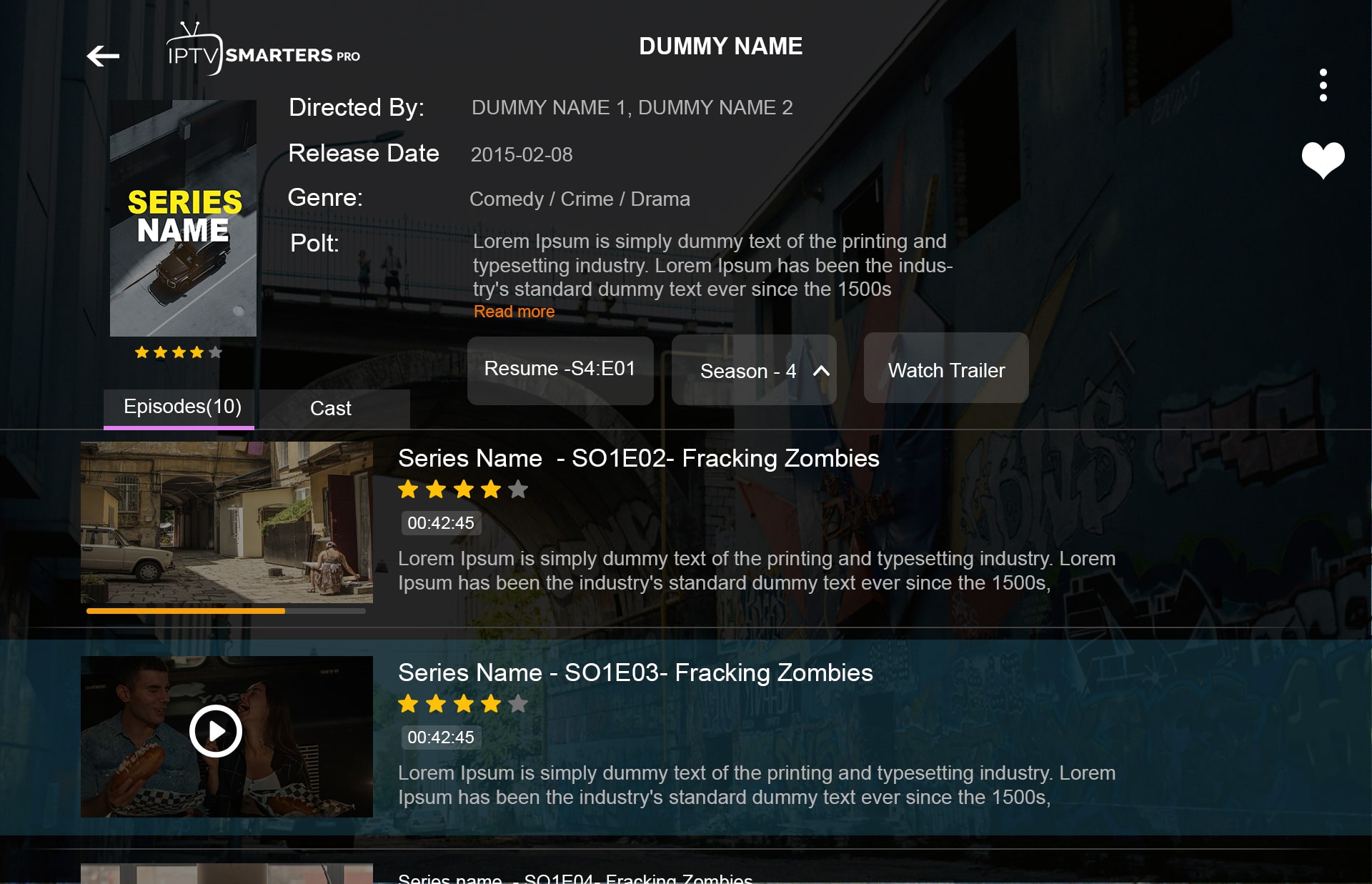
Choose an IPTV plan by matching three things: device compatibility, simultaneous-device needs and commitment length. First confirm that the player works on your main device, then choose enough simultaneous connections for the screens that will actually stream at the same time. Use a trial or short plan when you still need to validate your setup.
| Decision | What to ask yourself |
|---|---|
| Device compatibility | Can I install a compatible player on my Smart TV, Fire TV, Android TV, Apple device or computer? |
| Simultaneous devices | How many screens need to stream at the same time? |
| Duration | Do I want a short test period or a longer commitment? |
| Network | Is the connection stable where the main device is located? |
| Support | Can I get help if the login or device setup is unclear? |
How many devices do you really need?
The important number is usually simultaneous playback, not how many devices exist in the house. A family may install a player on a living-room TV, a bedroom TV and a tablet but only watch on one screen at a time. Another household may need two or three active streams every evening.
Write down the real use case before selecting the device tier:
- 1 device: one main TV or one stream at a time.
- 2 devices: two people may watch independently at the same time.
- 3 devices: several household screens may need concurrent playback.
If you are unsure, choose based on actual simultaneous use rather than buying extra connections “just in case.”
How do you check whether your devices are compatible?
Compatibility starts with the operating system and app store. Samsung and LG Smart TVs have their own app ecosystems; Android TV uses Google Play; Fire TV uses Amazon’s TV platform. App availability can vary by TV generation and region.
Before choosing a long plan, confirm three things:
- you can install a compatible IPTV player;
- the player supports the login method you will receive;
- the device can stay connected reliably where it is used.
A separate streaming box can be useful when an older Smart TV has a limited app store, but it should be a deliberate choice rather than a requirement you discover after purchasing.
Which plan duration fits your situation?
A shorter plan reduces commitment while you learn the service and your device setup. A longer plan can make sense once you already know the app works well on your hardware and you are comfortable with the support process.
ZenithTV currently offers 1, 3, 6 and 12-month durations with separate pricing for 1, 2 and 3 devices. The price shown for a duration is a one-time total for that selected period; any monthly equivalent is only a comparison aid, not a recurring monthly billing promise.
Use the pricing page or build the plan directly from the homepage WhatsApp checkout.
What should you test before committing to a longer plan?
A useful trial is more than checking whether one channel opens. Test the actual environment you expect to use:
- install and sign in on the main device;
- navigate the channel and library interface;
- test playback at the time of day you normally watch;
- check EPG availability if the TV guide matters to you;
- switch between several channels instead of testing only one;
- confirm audio/video behavior on your device;
- ask one real support question and judge whether the answer is useful.
If you plan to use more than one simultaneous device, test that requirement before assuming the household workflow will behave exactly like the single-device test.
Which buying mistakes should you avoid?
Buying by price alone
A lower nominal price is not useful if the player does not work on your TV or you need more simultaneous connections than the plan includes.
Confusing installations with simultaneous streams
The fact that an app can be installed on several devices does not automatically mean every device can stream at the same time.
Skipping the app-compatibility check
Smart TV app stores differ. Confirm availability before committing to a long plan.
Assuming a VPN fixes every playback issue
A VPN can change routing or privacy characteristics, but it can also add latency and does not repair every source, app or Wi-Fi problem.
Testing only on perfect conditions
Try the setup when the household network is being used normally. That gives you a better picture of everyday stability.
Frequently asked questions
Should I start with one month or a longer plan?
If you have not tested the exact device setup yet, a trial or shorter commitment is easier to validate. Longer durations make more sense once you already know the service fits your use case.
Do I need a separate plan for every TV?
Not necessarily. What matters is how many devices need to stream simultaneously and the connection allowance of the plan you choose.
Can I switch devices later?
Player installation is generally separate from the plan itself, but account/device rules can vary. Ask support before changing a setup if you are uncertain.
What if I do not know my TV operating system?
Send the TV brand and model number to support. That is usually enough to identify the most practical app path.
Sources
- Google Android TV Help — app installation
- Samsung Support — Smart TV apps
- LG Support — webOS app installation
- Amazon Fire TV platform overview